PicPlop Occasions

Baby Shower Photo Sharing

One QR code gathers every baby shower photo and video from every guest in one place — without chasing pictures for weeks afterwards.

Baby Shower Photo Sharing

A baby shower is a warm, gentle kind of celebration — close friends and family gathered to spoil the mum-to-be, coo over tiny outfits and toast the little one on the way. Everyone is snapping away on their phones: the gift table, the games, that happy tear during the toast. But those photos end up scattered across a dozen camera rolls, and the mum-to-be never sees most of them.

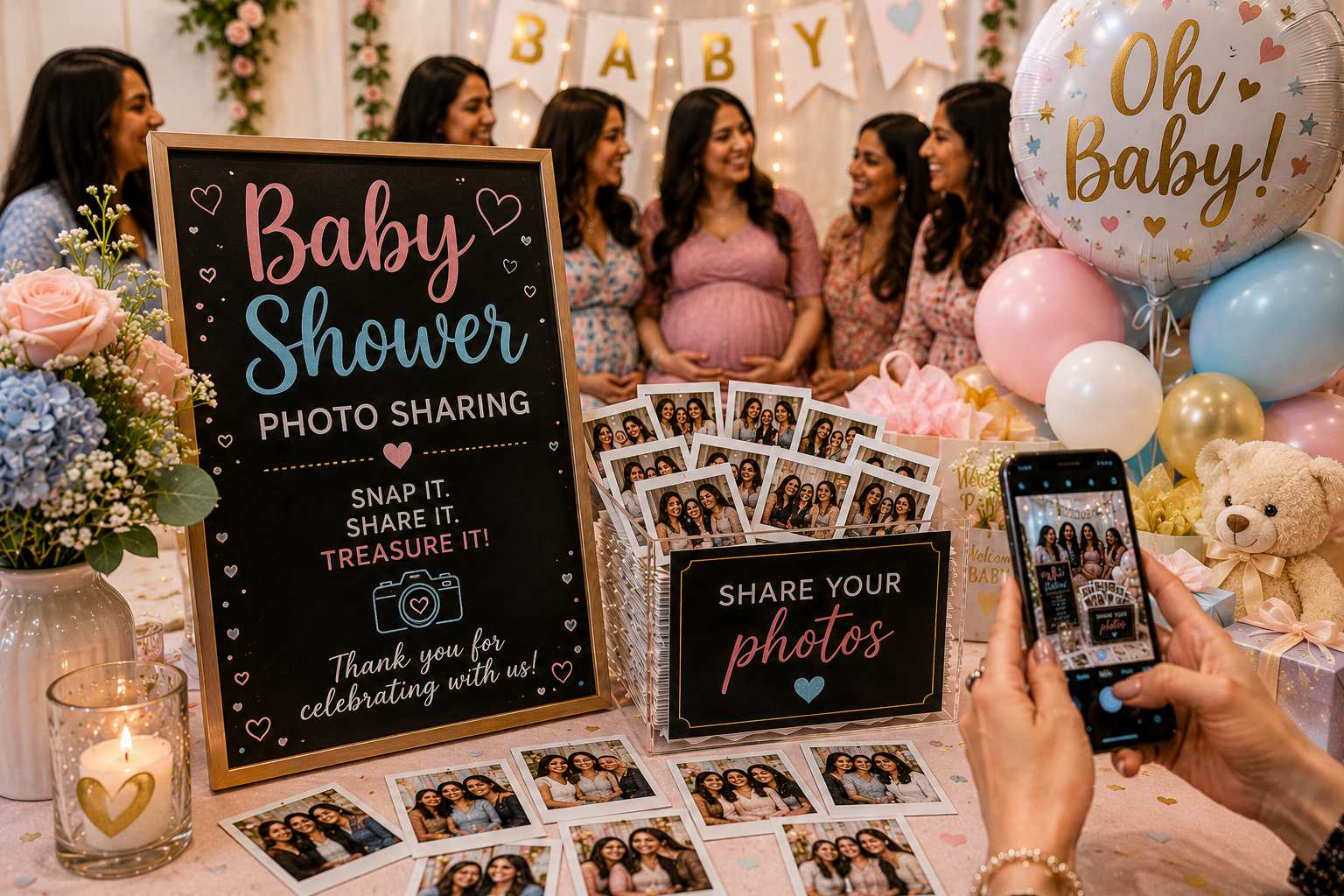
PicPlop fixes that. Pop a QR code on the dessert table or print it on the invites, and your guests simply scan it, type their name and upload photos and videos straight from their phones — no app to download, no sign-up to fuss with. Everything lands in one private gallery with a live feed, so you watch the moments arrive in real time. Auntie's close-ups, a friend's video of the nappy-changing game, the grandparents-to-be beaming — all together in one place rather than ten.

Afterwards it is all yours. Download the whole gallery — photos, videos and the written messages from your digital guestbook — as a single ZIP, with originals kept at full quality. It becomes a lovely keepsake for the baby book, and a way to relive the day the mum-to-be was too busy being celebrated to capture herself.

What you’ll capture

  • The mum-to-be unwrapping tiny clothes and gifts
  • Group shots with friends, aunties and grandparents-to-be
  • Baby shower games and the giggles they cause
  • The cake, balloons and table decorations up close
  • Guests writing wishes for the little one
  • Candid moments of the dad-to-be and family
  • Video of the big gift reveal or guessing games
  • First baby bump photos with everyone gathered round

Why choose PicPlop

  • No app and no guest sign-ups — they just scan, type a name and upload
  • Photos and videos from every guest land in one shared gallery
  • Private by default — only people with the link can see it
  • Download everything as a ZIP and keep it for the baby book
  • Add a co-host so a friend can help manage the gallery
  • Guests who miss the day can still upload later from the link

Your questions answered

Do guests need an app or an account?

No — there's nothing to download and no sign-up to bother with. Guests simply scan your QR code or tap your gallery link, type their name, and they're uploading straight from their phone's browser. It works the same on any phone, so everyone from teenagers to grandparents can join in within seconds.

Can guests upload videos as well as photos?

Both, absolutely. Guests can share the clips they film on the day or favourites from their camera roll, right alongside their photos — the speeches, the dancing, the candid little moments in between. Everything lands together in the same gallery.

Is the gallery private?

It's private by default. Only people with your QR code or gallery link can reach it, and you decide whether guests can see the gallery or keep it just for you — a toggle in your dashboard switches that on or off whenever you like. You can also remove any upload you'd rather wasn't there.

How do I share baby shower photos with everyone afterwards?

You don't have to do the rounds asking for them. Every guest uploads into the same gallery on the day, so by the time the last person leaves, the photos are already gathered in one place. Share the link and everyone can look through the whole collection — or download the lot as a single ZIP and keep it for the baby album.

How does the baby shower QR code work?

You get your own QR code the moment you create the gallery. Print it for the dessert table, pop it on the invitations or just show it on your phone. Guests point their camera at it, type a name and start uploading pictures and video straight from the browser — no app to download and no account to set up.

Where should I put the QR code at a baby shower?

Wherever people naturally pause: the dessert or cake table, the gift table, and next to the games. A couple of small printed cards dotted around does the job better than one big sign, and it's worth asking whoever's hosting to mention it once as guests arrive — that's usually all the prompting anyone needs.

Ready to capture every moment?

One simple QR code — adored by guests, chosen by you. One clear price, from £29.

POSE • SNAP • POST