PicPlop Occasions

60th Birthday Photo Sharing

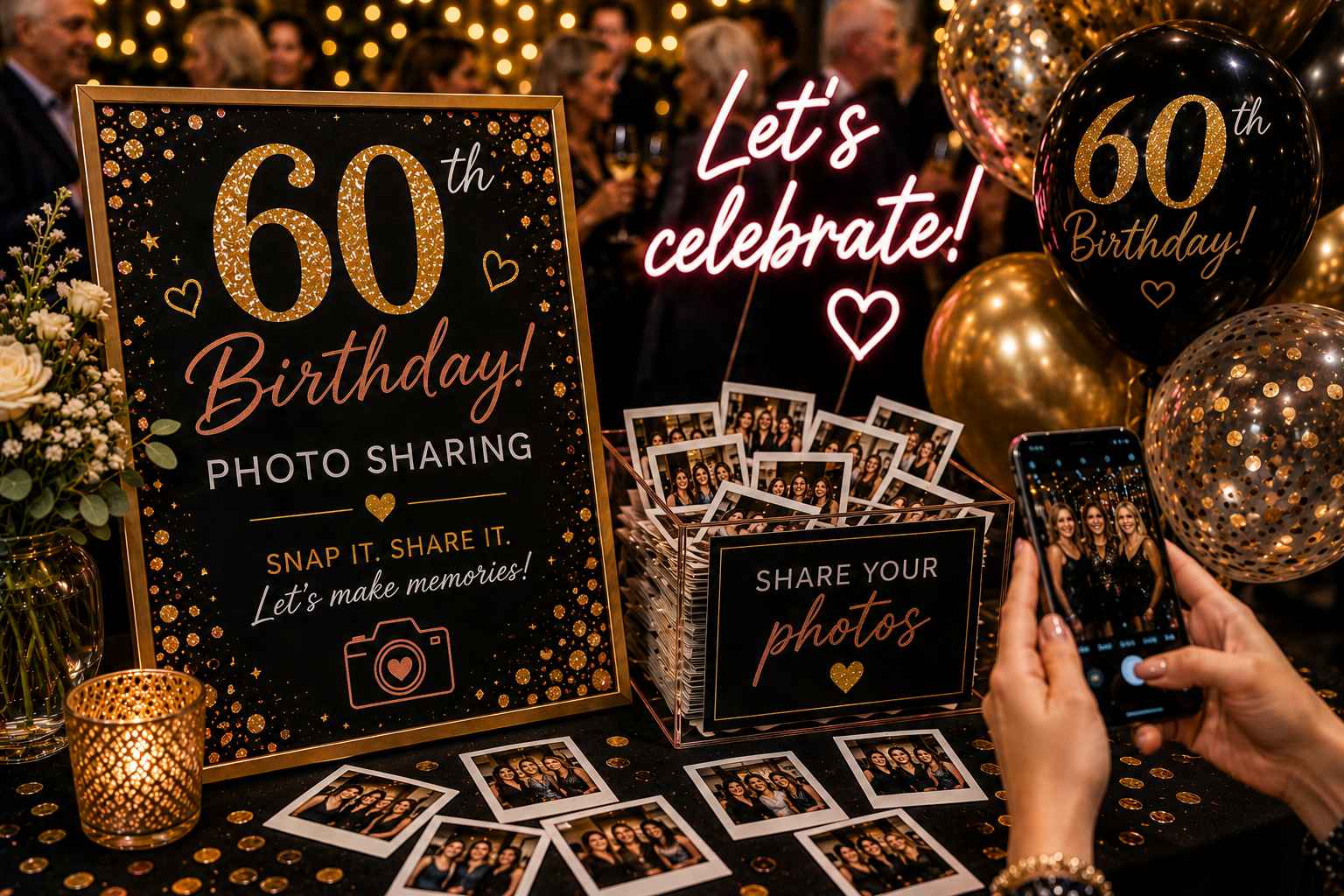
Every 60th birthday photo and video — from the grandkids' giggles to the dancefloor and the speeches — gathered in one shared gallery.

60th Birthday Photo Sharing

A 60th is a proper milestone, and the room is usually full of people who matter most — old friends, grown-up children, grandchildren, the lot. Everyone's phone is out all evening, yet the best shots end up scattered across a dozen camera rolls and you never see half of them. The candid moment when the cake came out, the speech that made mum cry, the cousins reunited after years apart — all stuck on someone else's phone.

PicPlop fixes that without anyone downloading an app or signing up. You pop a QR code on the tables or print it on the order of service; guests scan it, type their name and upload photos and videos straight from their browser. Everything lands in one private, live gallery you can watch fill up in real time. Even the grandparents who aren't keen on technology can manage a quick scan and a tap.

When the night winds down, the whole celebration is in one place — not lost across the family. Download the entire gallery, including videos and the digital guestbook messages, as a ZIP in full original quality, and keep it forever. You'll catch the moments you were too busy hosting to see for yourself.

What you’ll capture

  • Multi-generational family group shots with the grandkids
  • Heartfelt speeches and birthday toasts
  • Cutting the cake and the candle-blowing moment
  • Old friends reunited after many years
  • First dance and dancefloor antics
  • Throwback photos guests bring from decades past
  • Quiet candid moments between courses
  • Group messages and well-wishes in the guestbook

Why choose PicPlop

  • No app and no sign-ups, so even less techy guests join in
  • Photos and videos from every guest land in one private gallery
  • Grandchildren and great-aunts can all upload from their own phones
  • A live feed shows the celebration filling up in real time
  • Download and keep every photo, video and message forever
  • Guests who missed the signal can still upload later from the link

Your questions answered

Do guests need an app or an account?

No — there's nothing to download and no sign-up to bother with. Guests simply scan your QR code or tap your gallery link, type their name, and they're uploading straight from their phone's browser. It works the same on any phone, so everyone from teenagers to grandparents can join in within seconds.

Can guests upload videos as well as photos?

Both, absolutely. Guests can share the clips they film on the day or favourites from their camera roll, right alongside their photos — the speeches, the dancing, the candid little moments in between. Everything lands together in the same gallery.

Is the gallery private?

It's private by default. Only people with your QR code or gallery link can reach it, and you decide whether guests can see the gallery or keep it just for you — a toggle in your dashboard switches that on or off whenever you like. You can also remove any upload you'd rather wasn't there.

Can I set it up as a surprise and reveal the gallery later?

Keep it hidden with the visibility toggle while guests upload throughout the party, then reveal it once everyone's together. It's a lovely way to share the night back with the guest of honour.

Can guests add old throwback photos too, not just ones from the night?

Definitely — guests can upload straight from their camera roll, so the embarrassing school photos and old classics are very welcome alongside shots from the party.

Will the older guests manage it okay?

Without a hitch — there's no app and no account to wrestle with. It's simply scan, add a name and upload, so every generation can join in.

Ready to capture every moment?

One simple QR code — adored by guests, chosen by you. One clear price, from £29.

POSE • SNAP • POST