PicPlop Occasions

Budget Weddings

Gather every guest's wedding photo and video in one private gallery — no pricey second shooter, no app, just one QR code.

Budget Weddings - QR Code Guest Photo Sharing

A budget wedding can still be the warmest day of your life — the village hall, the homemade favours, your mum's flowers, the first dance to a borrowed speaker. The one thing you can't stretch is a full team of photographers, yet every guest is already holding a camera. The trouble is those hundreds of lovely candids end up scattered across phones you'll never see, or buried in a group chat that goes quiet by Monday.

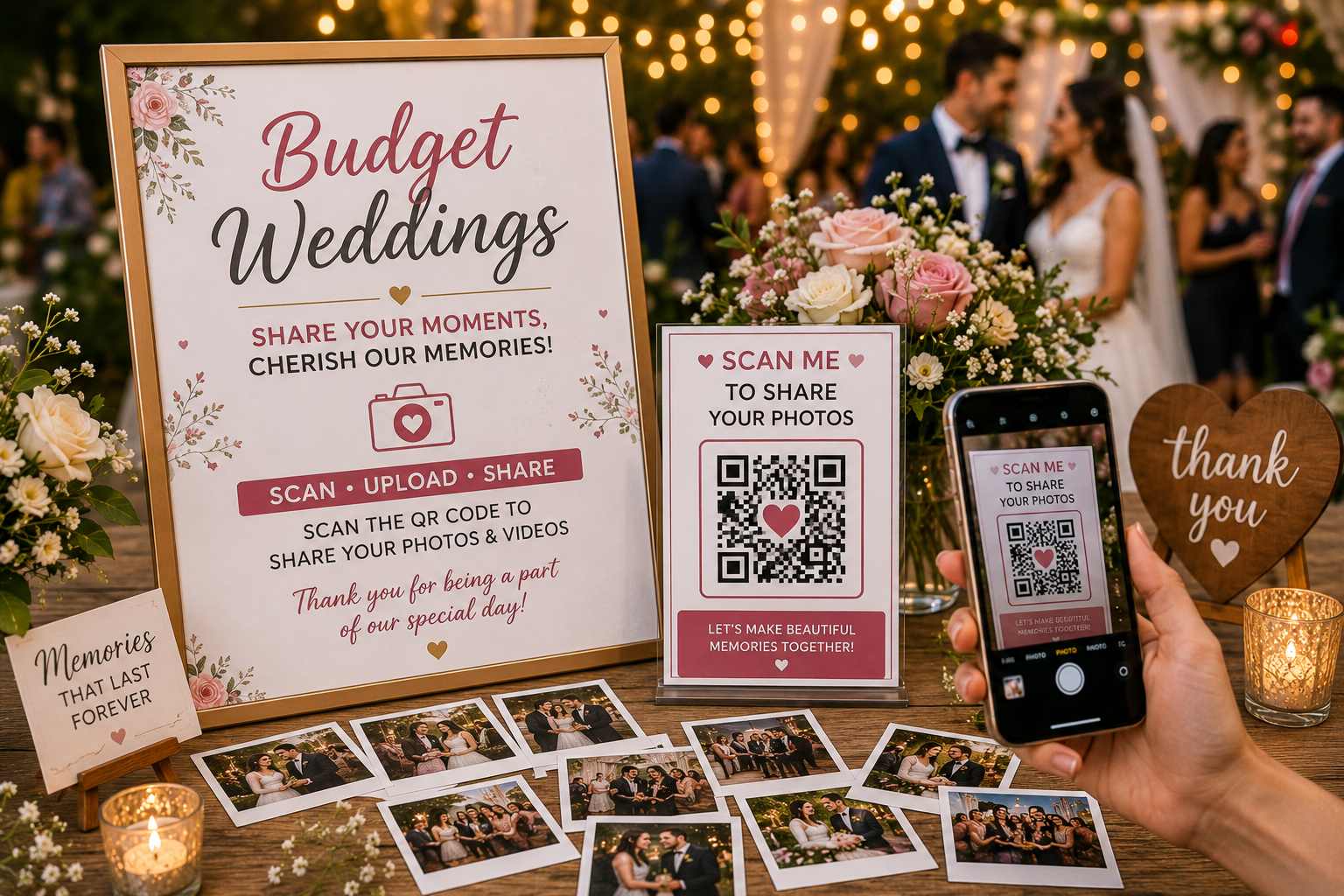
PicPlop fixes that for the price of a couple of bouquets. Pop a QR code on your table cards, the order of service or a sign by the door. Guests scan it, type their name and upload photos and videos straight from their phone's browser — no app to download, no sign-up. Everything lands in one private gallery with a live feed, so you watch the day arrive in real time and read kind words in the digital guestbook.

When the confetti settles, download the whole lot — photos, videos and messages — as a ZIP from your dashboard, full original quality, yours to keep forever. You'll have the angles a single photographer could never cover, for far less than hiring one.

What you’ll capture

  • The walk down a homemade aisle from every guest's seat
  • Speeches, happy tears and the toast that got a laugh
  • Dance-floor chaos once the playlist kicks in
  • Candid shots of the DIY décor you worked so hard on
  • Older relatives who never make it into the formal photos
  • Kids running riot between the tables
  • The quiet first-dance moment caught from across the room
  • Short video clips guests upload later when they're back on wifi

Why choose PicPlop

  • Packages start at a one-off £29 — kinder than a second photographer
  • No app and no guest sign-ups, so even less tech-savvy relatives join in
  • Photos and videos land in one private gallery only your guests can reach
  • You stay in control: toggle who sees the gallery and delete anything
  • Download everything in full quality and keep it forever — no subscription
  • Set it up well ahead and keep the upload window open for months after

Your questions answered

Do guests need an app or an account?

No — there's nothing to download and no sign-up to bother with. Guests simply scan your QR code or tap your gallery link, type their name, and they're uploading straight from their phone's browser. It works the same on any phone, so everyone from teenagers to grandparents can join in within seconds.

Can guests upload videos as well as photos?

Both, absolutely. Guests can share the clips they film on the day or favourites from their camera roll, right alongside their photos — the speeches, the dancing, the candid little moments in between. Everything lands together in the same gallery.

Is the gallery private?

It's private by default. Only people with your QR code or gallery link can reach it, and you decide whether guests can see the gallery or keep it just for you — a toggle in your dashboard switches that on or off whenever you like. You can also remove any upload you'd rather wasn't there.

Can our photographer use the gallery too?

Of course — add them as a co-host or simply share the gallery link. They'll pick up all the guest candids the main lens never catches, from getting-ready giggles to the late-night dance floor.

Will we capture the moments the photographer isn't there for?

That's exactly where PicPlop shines. Your guests' own phones cover the bits the pro misses — the speeches from the back, the dance floor at midnight, the quiet moments between the big ones — all gathered in one place.

Can guests leave us a message as well as photos?

They can. The digital guestbook works like a card everyone signs, so guests can leave you a few heartfelt words alongside their photos and videos — lovely to read back on long after the day.

Ready to capture every moment?

One simple QR code — adored by guests, chosen by you. One clear price, from £29.

POSE • SNAP • POST