PicPlop Occasions

DIY Wedding Photos

Every handmade detail and happy tear at your DIY wedding, gathered into one private gallery your guests fill from their own phones.

DIY Wedding Photos

A DIY wedding is hours of love made visible: hand-tied bouquets, a playlist you argued over, name cards written at the kitchen table. On the day it all comes together, and everyone reaches for their phone. The trouble is those photos and videos scatter across dozens of cameras and never find their way back to you.

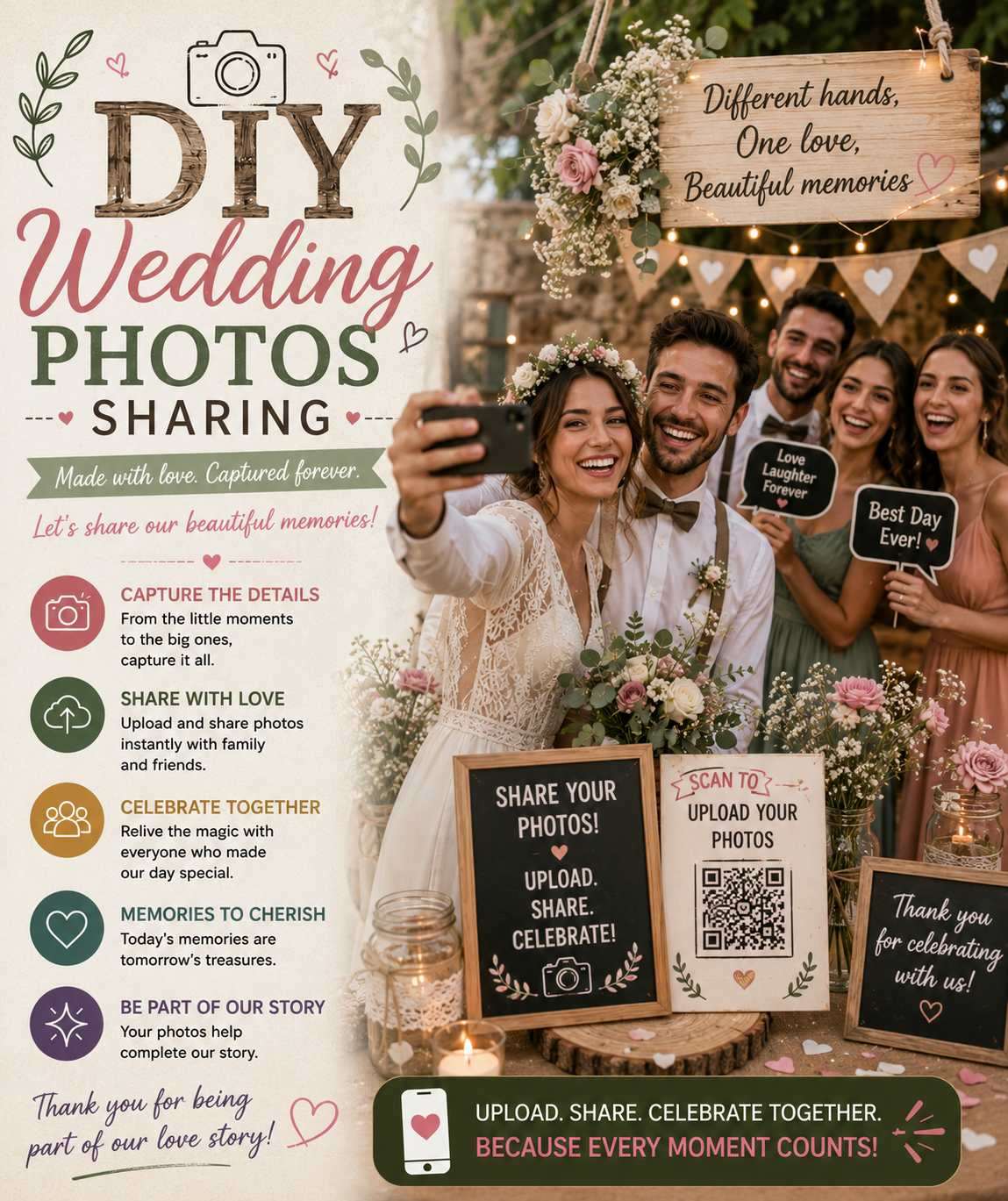
PicPlop fixes that. Put a QR code on your order of service, the welcome sign or each table, and guests simply scan it, type their name and upload straight from their phone browser. No app to download, no sign-ups. Their photos and videos land in one private gallery, and a live feed shows them arriving in real time, from the first-look to the last dance. There is a digital guestbook too, so guests can leave a written message beside their snaps.

Afterwards the whole lot is yours to keep. Download every photo, video and guestbook note from your dashboard as a ZIP, originals at full quality, and relive the candid corners you never got to see while you were busy being married.

What you’ll capture

  • Setting up the venue and pinning up the bunting
  • Guests scanning the QR code over welcome drinks
  • The handmade ceremony backdrop and homemade vows
  • Confetti, the first dance and the cake you baked
  • Candid table chatter and grandparents laughing together
  • Late-night dancefloor clips your photographer missed
  • Heartfelt guestbook messages left throughout the day
  • Tear-down, leftover cake and the quiet after the party

Why choose PicPlop

  • One private gallery for the whole wedding, visible only to your people
  • No app and no guest sign-up keeps even elderly relatives included
  • Collects both the photos and videos guests shoot all day long
  • Download everything as a ZIP and keep the originals forever
  • You control visibility and can quietly delete anything you want
  • Poor venue signal is no problem, guests just upload later from the link

Your questions answered

Do guests need an app or an account?

No — there's nothing to download and no sign-up to bother with. Guests simply scan your QR code or tap your gallery link, type their name, and they're uploading straight from their phone's browser. It works the same on any phone, so everyone from teenagers to grandparents can join in within seconds.

Can guests upload videos as well as photos?

Both, absolutely. Guests can share the clips they film on the day or favourites from their camera roll, right alongside their photos — the speeches, the dancing, the candid little moments in between. Everything lands together in the same gallery.

Is the gallery private?

It's private by default. Only people with your QR code or gallery link can reach it, and you decide whether guests can see the gallery or keep it just for you — a toggle in your dashboard switches that on or off whenever you like. You can also remove any upload you'd rather wasn't there.

Can our photographer use the gallery too?

Of course — add them as a co-host or simply share the gallery link. They'll pick up all the guest candids the main lens never catches, from getting-ready giggles to the late-night dance floor.

Will we capture the moments the photographer isn't there for?

That's exactly where PicPlop shines. Your guests' own phones cover the bits the pro misses — the speeches from the back, the dance floor at midnight, the quiet moments between the big ones — all gathered in one place.

Can guests leave us a message as well as photos?

They can. The digital guestbook works like a card everyone signs, so guests can leave you a few heartfelt words alongside their photos and videos — lovely to read back on long after the day.

Ready to capture every moment?

One simple QR code — adored by guests, chosen by you. One clear price, from £29.

POSE • SNAP • POST