PicPlop Occasions

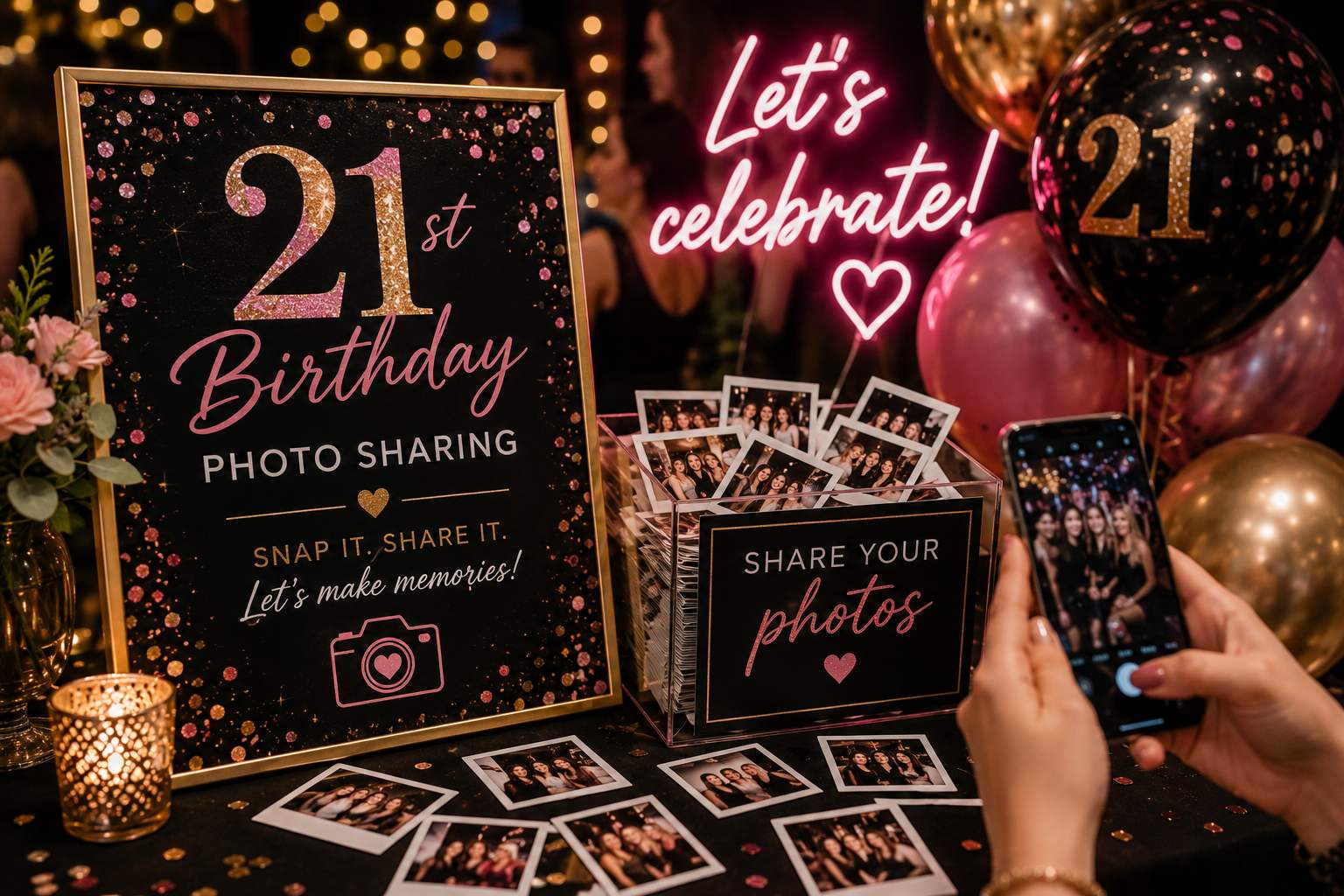
21st Birthday Photo Sharing

Capture every angle of the big 2-1 — from pre-drinks to the last song on the dancefloor — in one shared gallery.

21st Birthday Photo Sharing

Twenty-one only happens once. The pre-drinks at someone's flat, the surprise faces when the cake comes out, the chaos of the group piling into taxis, the dancefloor that goes on far too long — everyone's filming it on their phones, and then it scatters. Half the photos sit unseen in friends' camera rolls; the best clip of the night never reaches you.

PicPlop fixes that for your 21st. You put up a QR code (on the table, the bar, a little sign by the door) and guests just scan it, type their name and upload straight from their phone's browser — no app to download, no sign-up. Photos and videos both land in one private gallery, and a live feed shows them arriving in real time, so by the end of the night you can already scroll the whole party from every angle. There's a digital guestbook too, for the soppy birthday messages.

When the hangover clears, it's all still there. Download the entire gallery — photos, videos and guestbook — as a ZIP, full quality, yours to keep. The blurry, brilliant moments you'd never have seen otherwise become the ones you remember the 21st by.

What you’ll capture

  • The pre-drinks group shot before anyone's ready
  • Blowing out the candles on the cake
  • Reactions to the surprise birthday speech
  • Shots and toasts at the bar
  • Outfit and getting-ready photos
  • Dancefloor chaos and the last song
  • Taxi-piling and late-night kebab runs
  • Soppy messages in the digital guestbook

Why choose PicPlop

  • No app and no sign-up — guests scan, name themselves and upload
  • Photos and videos from every friend land in one gallery
  • Private by default — only people with your QR code can see it
  • Live feed shows the night arriving in real time
  • Download everything as a full-quality ZIP that's yours forever
  • Poor signal at the venue? Guests upload later from the link

Your questions answered

Do guests need an app or an account?

No — there's nothing to download and no sign-up to bother with. Guests simply scan your QR code or tap your gallery link, type their name, and they're uploading straight from their phone's browser. It works the same on any phone, so everyone from teenagers to grandparents can join in within seconds.

Can guests upload videos as well as photos?

Both, absolutely. Guests can share the clips they film on the day or favourites from their camera roll, right alongside their photos — the speeches, the dancing, the candid little moments in between. Everything lands together in the same gallery.

Is the gallery private?

It's private by default. Only people with your QR code or gallery link can reach it, and you decide whether guests can see the gallery or keep it just for you — a toggle in your dashboard switches that on or off whenever you like. You can also remove any upload you'd rather wasn't there.

Can I set it up as a surprise and reveal the gallery later?

Keep it hidden with the visibility toggle while guests upload throughout the party, then reveal it once everyone's together. It's a lovely way to share the night back with the guest of honour.

Can guests add old throwback photos too, not just ones from the night?

Definitely — guests can upload straight from their camera roll, so the embarrassing school photos and old classics are very welcome alongside shots from the party.

Will the older guests manage it okay?

Without a hitch — there's no app and no account to wrestle with. It's simply scan, add a name and upload, so every generation can join in.

Ready to capture every moment?

One simple QR code — adored by guests, chosen by you. One clear price, from £29.

More celebrations

PicPlop works beautifully for every occasion.

Browse all occasions

POSE • SNAP • POST